Summarize this article with:
- Choose an online face comparison tool if you only need a quick, free, no-code comparison between two photos. FacePair.com, ToolPie, WUTOOLS, and MxFace Demo are best for one-off checks, personal use, or testing before choosing an API.
- Choose an open-source model if you need full data control, self-hosting, and no provider dependency. InsightFace offers the strongest accuracy with 99.86% on LFW, while DeepFace is easier to test because it supports multiple backends like ArcFace, FaceNet, Dlib, and VGG-Face.
- Choose a commercial API if you need production reliability, fast integration, compliance, and scalable infrastructure. Amazon Rekognition is strong for AWS teams, Azure Face API is better for regulated industries, and Face++ is useful for high-volume applications.
- Eden AI is best when you want flexibility across providers because it gives access to multiple face comparison APIs through one API key, one billing account, and a standardized response format. This helps teams compare accuracy, avoid vendor lock-in, and switch providers without rebuilding integrations.
- Accuracy is not the only decision factor. Developers should also compare latency, pricing, deployment model, privacy, compliance, data residency, and whether the use case requires strict identity verification or only casual face matching.
- Face similarity scores need context. A score below 50% usually means different people, 50–70% is uncertain, 70–80% suggests a likely match, and 80%+ is generally a strong match, but identity verification use cases often require stricter thresholds.
A face comparison tool analyzes two face images to determine whether they likely belong to the same person. It detects facial features, compares biometric patterns, and returns a similarity score from 0 to 100%. Common use cases include identity verification, KYC checks, and secure access control.
This article is designed for two types of users: consumers who want to compare faces online for free right now, and developers who need a reliable API or open-source model for production use. We will cover simple online apps, developer-ready face comparison APIs, and open-source models you can run or adapt.
Here's a quick overview of all tools covered in this guide, jump to the section that fits your use case.
The rest of this guide covers each option in detail, with pricing, accuracy benchmarks, and code examples where relevant.
What Is a Face Comparison API?
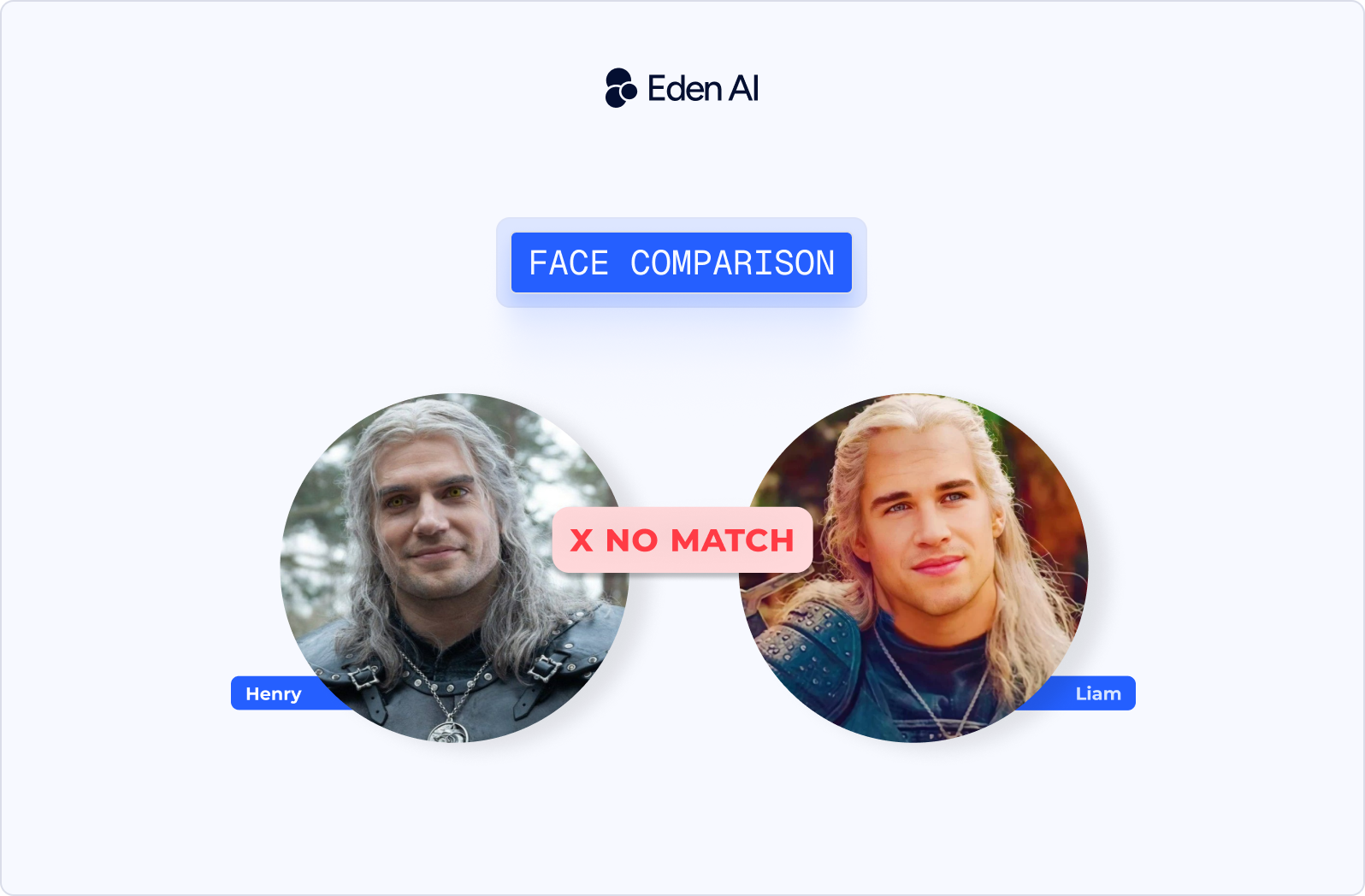
A face comparison API lets developers send two face images to a model and receive a similarity result. The API detects faces, analyzes their visual features, compares them, and returns a score that indicates how likely the two faces belong to the same person.
Landmark detection vs. embedding comparison
Older face comparison methods relied on facial landmarks. They detected key points on the face, such as the eyes, nose, mouth, jawline, and eyebrows, then measured distances between those points. This approach can work in controlled conditions, but it is sensitive to lighting, pose, camera angle, image quality, and facial expression.
Modern face comparison systems usually rely on embeddings. Instead of comparing raw pixels or landmark distances, the model converts each detected face into a numerical vector, often with 128 to 512 dimensions.
This vector represents the face in a compact mathematical form. The API then calculates the distance between two vectors. The closer the vectors are, the more similar the faces are. Embeddings are generally more accurate because they are designed to be more robust to changes in lighting, angle, and background.
What does a face similarity score mean?
Most face comparison APIs return a similarity score either as a percentage from 0 to 100% or as a decimal value from 0.0 to 1.0, depending on the provider. As a practical guide, a score below 50% usually means the faces are different people. A score between 50% and 70% is uncertain. A score between 70% and 80% suggests the faces are likely the same person. A score above 80% is generally considered a strong match.
However, thresholds vary by provider, dataset, image quality, and use case. Identity verification usually requires a stricter threshold than entertainment or casual face matching.
Key use cases
- KYC / eKYC: Financial platforms compare a selfie with an ID photo during user onboarding.
- Access control: Apps use facial authentication to unlock accounts, devices, or restricted areas.
- Duplicate account detection: Platforms identify users who create multiple accounts with similar face images.
- Photo organization: Consumer apps group photos by family members or recurring faces.
- Celebrity look-alike / entertainment: Apps compare a user’s face with public figures for fun experiences.
The global facial recognition market is projected to reach $14.55 billion by 2031, growing at a 16.79% CAGR.
How to Choose the Right Face Comparison Solution
5 factors to evaluate
Accuracy: For face comparison, accuracy should be evaluated with public benchmarks such as LFW, or Labeled Faces in the Wild. Top models exceed 99.5% on LFW, but real-world performance also depends on image quality, lighting, camera angle, and demographic diversity.
Latency: Cloud APIs typically respond in 200 to 500ms, which is fast enough for most onboarding, authentication, and moderation workflows. On-device or local models can be faster or slower depending on the hardware, model size, and optimization level.
Pricing: Compare the free tier, per-call pricing, and volume discounts before choosing a provider. For open-source models, remember that “free” does not mean zero cost, since hosting, GPUs, maintenance, monitoring, and scaling still need to be handled.
Deployment model: Cloud APIs are usually the fastest way to start because the provider manages infrastructure and updates. Self-hosted models are better when data must stay on premise, while on-device models are useful for edge, mobile, or offline use cases.
Compliance: For production use, check whether the provider supports GDPR, SOC 2, HIPAA, or other requirements relevant to your market. Open-source models do not come with certifications by default, while managed providers may offer stronger compliance guarantees. Azure Face API, for example, is GDPR-certified.
Best Free Online Face Comparison Tools (No API Needed)
If you only need to compare two face photos once, an online tool is usually enough. These tools let you upload two images, get a similarity result, and avoid any technical setup.
FacePair.com
FacePair.com is a browser-based face comparison tool that works without sign-up and gives an instant similarity score. To use it, upload two face photos, wait for the comparison to run, and check the percentage score returned by the tool.
Its main advantage is simplicity. According to the tool, photos are processed in-browser and deleted immediately after comparison, which makes it useful for quick personal checks.
Pros: No account required, fast result, easy interface.
Cons: Limited for serious identity verification or repeated testing.
Best for: Quick personal comparisons and look-alike checks.
MxFace Demo
MxFace Demo is a free demo interface for testing API-grade face comparison accuracy. Upload two images, and the tool converts each face into a vector template before calculating the Euclidean distance between them.
Because it is built around an API-style workflow, it is more relevant for users evaluating a future integration. MxFace states that data is deleted after processing and that the service is GDPR-compliant.
Pros: More technical accuracy testing, useful API preview, privacy-oriented processing.
Cons: Less focused on casual users than simple online tools.
Best for: Developers wanting to test accuracy before buying an API.
ToolPie Face Similarity Test
ToolPie Face Similarity Test is a free online face comparison tool with no registration required. Users upload two photos through a simple interface and receive a result in seconds.
The tool claims more than 99% algorithm accuracy, but results should still be treated as indicative rather than official biometric proof. It is best used for fast checks, not high-risk verification.
Pros: Free, quick, no setup, beginner-friendly.
Cons: Limited transparency on model details and production-grade reliability.
Best for: Fast checks without any setup.
WUTOOLS Face Similarity Meter
WUTOOLS Face Similarity Meter is an in-browser face comparison tool powered by face-api.js. It runs locally in the browser, so the comparison happens directly on the user’s device.
This makes it a strong option for privacy-sensitive use cases because no image data leaves the device. It is still a lightweight online tool, so results may vary depending on photo quality.
Pros: Local processing, no server upload, privacy-friendly.
Cons: Browser performance can affect speed and consistency.
Best for: Privacy-sensitive comparisons and GDPR use cases.
StarByFace
StarByFace is a celebrity look-alike finder that compares a user’s photo with celebrity images. Upload a photo, and the tool suggests public figures who appear visually similar.
This tool is designed for entertainment only. It should not be used for identity verification, KYC, or any biometric decision-making because it is not built for biometric-grade accuracy.
Pros: Fun, easy to share, simple user experience.
Cons: Not suitable for serious face matching or security use cases.
Best for: Fun, social sharing, not identity verification.
These tools are great for one-off comparisons when you need a quick result without coding. If you need to run face comparison at scale inside an application, you need an API or open-source model, which the next sections cover.
Best Open Source Face Comparison Models
Open-source face comparison models are the best option when you need full control over data, deployment, and customization. They are free to use, but you still need to manage hosting, scaling, monitoring, and model updates yourself.
InsightFace
InsightFace is a Python and C++ library for face analysis, built around modern recognition architectures such as ArcFace. It supports both face detection and face comparison, which makes it suitable for building complete biometric pipelines without combining too many separate tools.
Its strongest advantage is accuracy. InsightFace reaches 99.86% accuracy on LFW, making it one of the highest-performing free face recognition models available. For production throughput, a GPU is recommended, especially when processing large image volumes or running real-time verification.
Pros: State-of-the-art accuracy, active GitHub community, supports face detection and comparison in one library.
Cons: More complex setup than lightweight Python wrappers, GPU needed for speed at scale.
Best for: Production-grade self-hosted deployments where accuracy is critical.
License: MIT.
DeepFace
DeepFace is a Python framework that wraps multiple face recognition backends, including ArcFace, FaceNet, VGG-Face, Dlib, OpenFace, and SFace. It is designed for fast experimentation, letting developers switch models without rewriting the full comparison pipeline.
from deepface import DeepFace
result = DeepFace.verify("img1.jpg", "img2.jpg", model_name="ArcFace")
print(result["verified"], result["distance"])
LFW accuracy depends on the selected backend. ArcFace is around 99.4%, while FaceNet is around 99.6%. This makes DeepFace useful when you want to benchmark different models with the same interface before choosing one for production.
Pros: Swap between 6 models without rewriting code, no Docker needed, pip install in minutes.
Cons: Python-only, slower without GPU.
Best for: Developers who want to test multiple models quickly.
License: MIT.
Exadel CompreFace
Exadel CompreFace is a free, open-source face recognition service that can be deployed with Docker. Instead of integrating a low-level ML library, developers interact with a REST API, which makes it easier to add face recognition to an application without deep machine learning knowledge.
CompreFace supports InsightFace and FaceNet as underlying models. It also includes a user interface for managing face collections, users, and recognition services, which makes it more accessible for product and engineering teams working together.
Pros: Easy UI for managing face collections, team-friendly, works on CPU.
Cons: Docker dependency, not ideal for edge deployments.
Best for: Teams that want a managed REST API without cloud vendor costs.
License: Apache 2.0.
Dlib
Dlib is a C++ machine learning library with Python bindings, widely used for face detection, landmarks, and recognition. Its pre-trained face recognition model reaches 99.38% accuracy on LFW, using a 128-dimensional face descriptor.
Dlib also provides 68-point facial landmark detection, making it useful for custom pipelines that need face alignment before comparison. It is lighter than many modern deep learning frameworks and can run on CPU, which makes it a strong option for embedded or edge environments.
Pros: Lightweight, runs on CPU, well-documented, used in production worldwide.
Cons: Older architecture, slightly lower accuracy than InsightFace and ArcFace-based systems.
Best for: Embedded systems, edge deployments, and custom C++ pipelines.
License: Boost Software License.
MTCNN
MTCNN, or Multi-task Cascaded CNN, is a face detection and alignment model. It is important to note that MTCNN is not a face comparison model, so it does not directly tell you whether two faces belong to the same person.
Instead, MTCNN is commonly used as a preprocessing step. It detects faces, crops them, and aligns them before passing the cleaned face image to a recognition model such as InsightFace or DeepFace.
Pros: Fast detection, accurate face localization, handles multiple faces per image.
Cons: Not a standalone comparison model, must be paired with an embedding model.
Best for: Preprocessing pipeline stage, not standalone comparison.
Best Commercial Face Comparison APIs
Commercial face comparison APIs are best when you need reliability, scalability, support, and a faster path to production. They remove the need to host models yourself, but you still need to compare pricing, compliance, latency, and provider lock-in.
Amazon Rekognition: Best for AWS Teams
Amazon Rekognition is a fully managed computer vision service that includes face comparison, face detection, and identity verification features. It requires no machine learning expertise and integrates directly with AWS infrastructure.
The API returns a confidence score from 0 to 100, a bounding box, and a similarity percentage. Pricing is around $0.001 per image for the first 1 million images per month, with a free tier of 5,000 images per month for 12 months.
Pros: Enterprise-grade, scales to billions of images, deep AWS integration.
Cons: AWS lock-in, costs rise fast at high volume, US data residency by default.
Best for: Teams already on AWS and high-volume identity verification.
Microsoft Azure Face API: Best for Enterprise/Regulated Industries
Microsoft Azure Face API is designed for enterprise-grade face detection and comparison inside the Azure ecosystem. It is especially relevant for organizations with strict compliance, security, and data residency requirements.
The free tier includes 30,000 transactions per month, while paid usage starts at $1.50 per 1,000 transactions. Azure Face API is GDPR-certified, supports EU data residency, integrates with Azure Active Directory, and is HIPAA eligible.
Pros: Strongest compliance posture, Azure Active Directory integration, suitable for regulated environments.
Cons: Microsoft ecosystem dependency, pricing can become less predictable at scale.
Best for: Fintech, healthcare, government, and other compliance-heavy industries.
Face++: Best for High-Volume Applications
Face++ is a commercial face recognition API covering face detection, comparison, and facial analysis. It is widely deployed across Asia and is designed for large-scale face search and recognition workloads.
Its free tier includes 1,000 API calls per day. Face++ can handle face collections above 100 million identities with sub-second query times, making it suitable for consumer applications that need scale.
Pros: Generous free tier, extremely scalable, broad face detection and comparison features.
Cons: Latency can be higher for users outside Asia, enterprise pricing is not fully transparent.
Best for: Consumer apps needing scale and teams operating in Asian markets.
Banuba Face API: Best for Real-Time / AR Applications
Banuba Face API is built for live video face tracking rather than only static image comparison. It focuses on real-time performance for mobile and interactive applications.
The platform supports 69 facial landmark points and provides cross-platform SDKs for iOS, Android, and Web. Its pricing is usage-based, with trial access available for evaluation.
Pros: Strong for live video and AR, handles movement and lighting changes, mobile-ready SDKs.
Cons: Overkill for simple static image comparison, specialized use case.
Best for: Video calling apps, AR filters, and real-time authentication.
Eden AI: Best for Multi-Provider Access
Eden AI provides a unified API to access Amazon Rekognition, Azure Face API, Face++, and Base64.ai through one API key and one billing account. It standardizes response formats across providers, so developers can compare or switch APIs without rewriting integration logic.
A key advantage is automatic fallback. If one provider fails, the request can route to the next available provider. Teams can also compare accuracy across providers directly in the playground without changing code. Pricing includes a free plan, with a 5.5% platform fee added on top of provider costs.
Pros: Eliminates vendor lock-in, single integration, centralized billing, benchmark providers side by side.
Cons: Adds a small cost on top of provider pricing.
Best for: Teams who want flexibility and resilience without rebuilding integrations.

.jpg)
.png)